Think of your network as personal ambassadors. They are essential resources when you decide to change careers or jobs. So, how do you reconnect with professionals you have met over the years? A short and sweet email keeps you on your networks’ radars, and, what better way to edit this email than with your writing assistant: Grammarly.
Make It Personal
You do not want your email to sound generic to the point where it could be sent to anyone in your network. Greet your connection wishing them and their company well. Then, remind the recipient how you know each other to jog their memory. If you have previous experiences with their company—professional or otherwise—compliment them on what you admire most, such as their culture or content, to highlight your interests in their company. Then, be sure to ask questions about your job search and desired industry; your recipient will feel like an expert.
Tailor Your Tone of Voice
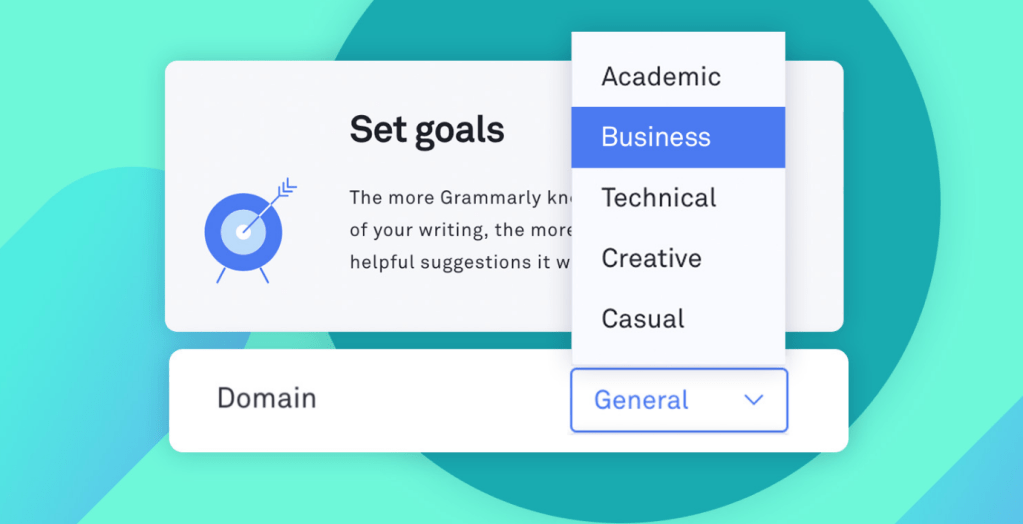
It is no secret that professional writing carries a different tone of voice compared to casual writing. When emailing one of your connections, especially someone you only had a brief encounter with, remain as professional as possible. Grammarly’s Chrome Extension provides several writing genres to choose from and will analyze the tone of voice based on that chosen category. According to Grammarly, their tone detector evaluates both grammar and usage to suggest ways you can better cater to the selected genre.
Use Direct Language
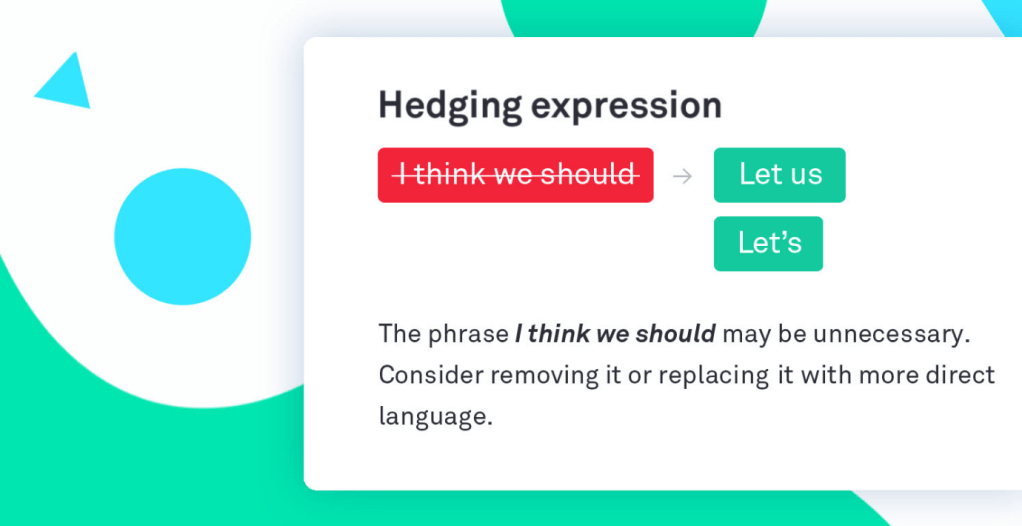
The only way to get what you want is if you explicitly ask for it. Grammarly’s premium plan offers ways for you to be more direct in your emails with suggestions that rid sentences of unnecessary fluff people tend to use out of habit. Though it may feel uncomfortable to ask a favor from or be direct with someone you have only met once, it shows that you are serious about your career and confident that you belong in their industry.
Keep It Short
According to LinkedIn, the recipient of your email should be able to glance at it, realize what you are asking, and respond all in a couple of minutes. Remember that these professionals only have so much time to read and respond to your email before they have to get back to work.
No Errors
Lastly, double and triple check your email before sending it. To make this process as painless as possible, Grammarly’s Chrome Extension revises your email directly in your web browser as you compose it. After all, why should someone hire you to pay attention to their client’s details when you cannot pay attention to the details in this email?
It cannot hurt to reach out to previous connections and remind them that you exist—and it all begins with the perfect Grammarly-edited email. Show the recipient just how interested you are in their work through this effective written communication channel.
Molly McNulty CCPA 3335 Blog #3 Rewrite
 MOLLY'S BLOG